
Blog
IQOS ILUMA i ONE Problems: Common Issues and How to Fix Them

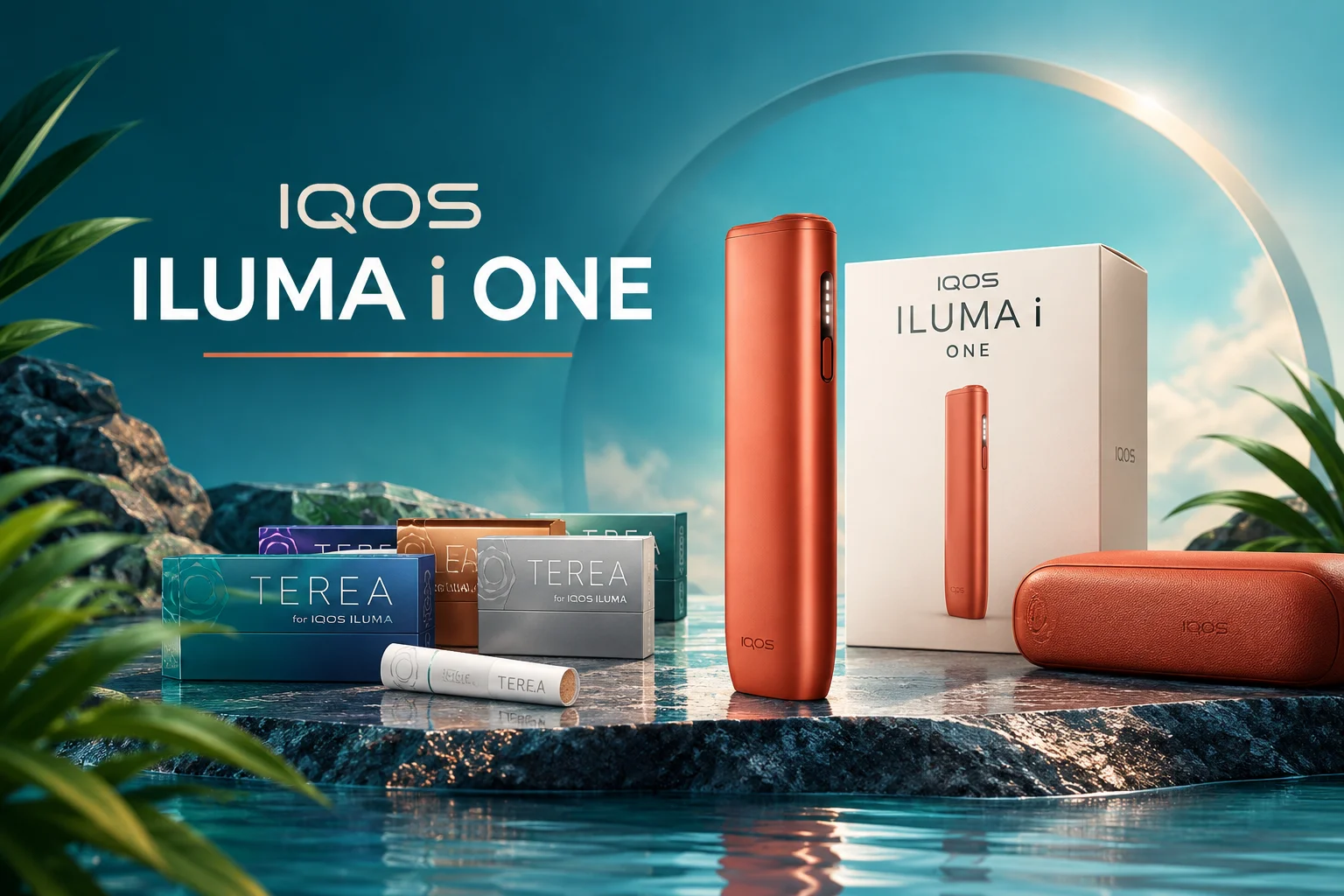
Is your IQOS ILUMA i ONE not responding? Most IQOS ILUMA i ONE problems come from a low battery, dirty charging ports, or a stick that is not fully inserted. This guide follows IQOS’s own support pages for this exact model. It shows what to check first, what the lights mean, and when to ask IQOS for help.
Quick Guide to Common IQOS ILUMA i ONE Problems
| Problem | Possible cause | First safe step | Section |
| Not turning on | Battery is empty | Charge for about 90 minutes | 1 |
| Not heating | Stick not fully inserted, device lock, or temperature | Insert the stick up to the filter line | 2 |
| Not charging | Dirty or wet charging ports | Clean and dry both ports | 3 |
| Blinking lights | Low battery, temperature, or an error | Match the light to the table | 4 |
| Weak vapor | Usage and device state | Check the stick, battery, and temperature | 5 |
| Battery worries | Normal use or a charging fault | Press the button and read the lights | 6 |
| Still not working | An error that needs a reset | Hold the button for 10 seconds | 7 |
Common IQOS ILUMA i One Issues and How to Fix Them
Here’s a detailed look at the most reported problems and practical solutions.
1. IQOS ILUMA i ONE Not Turning On
Short answer: Charge the device for about 90 minutes. If the lights stay off, hold the ON/OFF button for 10 seconds to reset it.
Try these steps in order:
- Press and hold the ON/OFF button for 4 seconds. The status lights should turn on slowly.
- Plug in the device with a compatible AC power adaptor and cable. IQOS sells the adaptor separately.
- Wait a few seconds. A fully discharged device may take a moment before a light appears.
- Charge for about 90 minutes.
- Still dark? Hold the ON/OFF button for 10 seconds.
A drained battery is a likely cause. IQOS does not list other causes for this symptom.
2. IQOS ILUMA i ONE Not Heating
Short answer: Make sure the stick sits up to the filter line. Heating then starts on its own after the first vibration.
IQOS describes the normal start like this:
- Slide the cap open.
- Insert a SMARTCORE stick up to the filter line. Wait for the vibration and the pulsing light.
- Preheating starts after the first vibration. You can also press the button for 1 second.
- The device is ready after the second vibration.
If nothing happens, check these points:
- Stick: Use a new stick. Sticks are single-use, so never reinsert a used one.
- Device lock: If the top and bottom lights flash white after a short press, the lock is on.
- Temperature: Two white blinks mean the device is outside 0°C to 40°C.
- Battery: A yellow blink means the battery is depleted.
Official pages for different countries handle Device Lock in different ways. Some say to turn it off in the IQOS app. Others say to visit a store or contact customer care. Check the IQOS UAE support page for your case.
3. IQOS ILUMA i ONE Charging Problems
Short answer: If the lights come on but the device will not charge, clean and dry the charging ports on both the device and the cable.
IQOS provides these steps:
- Unplug the device.
- Make sure the ports on the device and the cable are dry and clean.
- Charge with a compatible AC power adaptor and cable for about 90 minutes.
- If it still will not charge, hold the ON/OFF button for 10 seconds to reset.
While charging, the strip lights pulse. IQOS says a fully discharged device may take a few seconds before the first light blinks yellow. Once the charge goes above 7%, the blinking light turns from yellow to white.
When the device is full, four lights turn solid white and then switch off.
4. IQOS ILUMA i ONE Blinking Lights
Short answer: Yellow means charge it. Two white blinks mean the temperature is out of range. Red means reset it.
| Light signal | What IQOS says | What to do |
| Blinks yellow | Battery is depleted | Charge the device |
| Blinks white twice | Outside the 0°C to 40°C range | Move it to a suitable temperature, then try again |
| Blinks red | Reset the device | Hold the button for 10 seconds |
| Red keeps blinking | Needs help | Contact IQOS or visit an IQOS store |
| Top and bottom flash white on a short press | Device Lock is active | Follow IQOS’s Device Lock steps |
| Vibration and flashing light during use | Two last puffs or 30 seconds left | Finish your session |
Do not copy light meanings from other models. IQOS publishes different guidance for the ILUMA, ILUMA ONE and ILUMA PRIME. For example, one IQOS page for the older ILUMA gives a 0°C to 50°C range. The i ONE pages say 0°C to 40°C.
5: IQOS ILUMA i One weak vapor or short sessions
Short answer: Check the stick, the battery, and the temperature. Then reset.
Weak vapor is rarely a device fault. Go through this list:
- Is the stick fully inserted? A loose fit changes the result.
- Is it a genuine TEREA stick? Fakes and old sticks do not work well. Buy authentic TEREA flavors from a trusted seller.
- Is the battery low? Charge it fully, then try again.
- Was the device too hot or too cold? Let it reach normal temperature.
- Has it been acting strange for days? Do a reset.
6. IQOS ILUMA i ONE Battery Life
Short answer: Press the button to see your charge level. A full charge takes about 90 minutes.
IQOS’s UAE pages do not state several sessions per charge or a battery lifespan. We do not list one.
- Check the level: A short press shows the status lights.
- Charge fully: Four solid white lights, then off, means full.
- Watch for faults: If the device will not charge after cleaning the ports and a reset, contact IQOS.
7. IQOS ILUMA i ONE Not Working After Basic Checks
Short answer: Reset it. Press and hold the ON/OFF button for 10 seconds without letting go.
A reset is confirmed when the status lights fade in, blink twice fast, and ramp up. Then the lights show your current charge level.
If the problem comes back, or a red light keeps blinking, stop troubleshooting. Use IQOS’s contact page to contact us.
How to Use IQOS ILUMA i ONE Correctly
- Press and hold the ON/OFF button for 4 seconds to switch on.
- Before first use, charge fully for about 90 minutes.
- Slide the cap open. Insert a SMARTCORE stick up to the filter line.
- Wait for the vibration. Heating starts, or press the button for 1 second.
- Use the device after the second vibration.
- Watch the lights. A vibration with flashing light means two puffs or 30 seconds are left.
- Remove the used stick and slide the cap closed.
Need a device? See the IQOS ILUMA i ONE range at Terea Smoke.
How to Prevent Common Device Problems
- Keep both charging ports clean and dry.
- Use a compatible AC power adaptor and cable.
- Keep the device within 0°C to 40°C. Outdoor temperatures in the UAE can exceed 40°C in summer, so avoid leaving it in a parked car. This tip is ours, based on IQOS’s temperature range.
- Use SMARTCORE sticks only, and use each stick once.
- Charge fully before your first use.
IQOS ILUMAS other model
Looking for other IQOS ILUMA models? Here are a few more options.
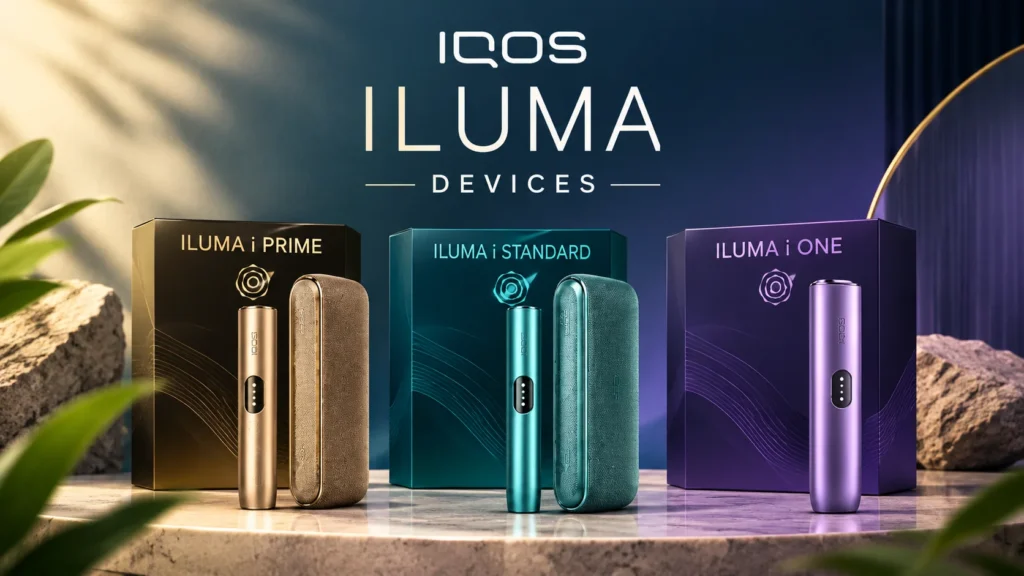
- IQOS ILUMA i Standard: Explore its features and modern design for everyday use.
- IQOS ILUMA i Prime: Discover its premium design and convenient features.
Frequently Asked Questions
Why is my IQOS ILUMA i ONE not turning on?
The battery may be empty. Charge it for about 90 minutes. If it stays off, hold the ON/OFF button for 10 seconds to reset it.
Why is my IQOS ILUMA i ONE not charging?
The charging ports may need cleaning. Unplug the device and dry both ports. Charge again for about 90 minutes, then reset it if needed.
What do the blinking lights mean?
Yellow means the battery is depleted. Two white blinks mean it is outside 0°C to 40°C. Red means reset the device. If red continues, contact IQOS.
Why is my device not heating?
The stick may not be inserted up to the filter line. Check the battery, the temperature, and Device Lock too. Use a new stick each time.
Which sticks are compatible with IQOS ILUMA i ONE?
It uses SMARTCORE sticks. IQOS lists TEREA sticks for ILUMA devices in the UAE. Do not use it with sticks from earlier IQOS generations.
What is a heated tobacco product?
A heated tobacco product heats tobacco instead of burning it. The IQOS ILUMA i ONE uses induction heating technology to heat compatible SMARTCORE sticks. Learn more about heated tobacco products on Wikipedia.
When should I contact official customer support?
Contact IQOS if a red light keeps blinking after a reset. Do the same if the device will not charge after cleaning the ports and a reset.
Final Thoughts
Start with the simple checks. Charge the device, clean the ports, and push the stick in fully. Then match your light signal to IQOS’s guidance for the ILUMA i ONE. A 10-second reset is the last step before you contact IQOS.
This product is not risk-free and provides nicotine, which is addictive. It is only for adults who would otherwise smoke or use nicotine products.